Prepare

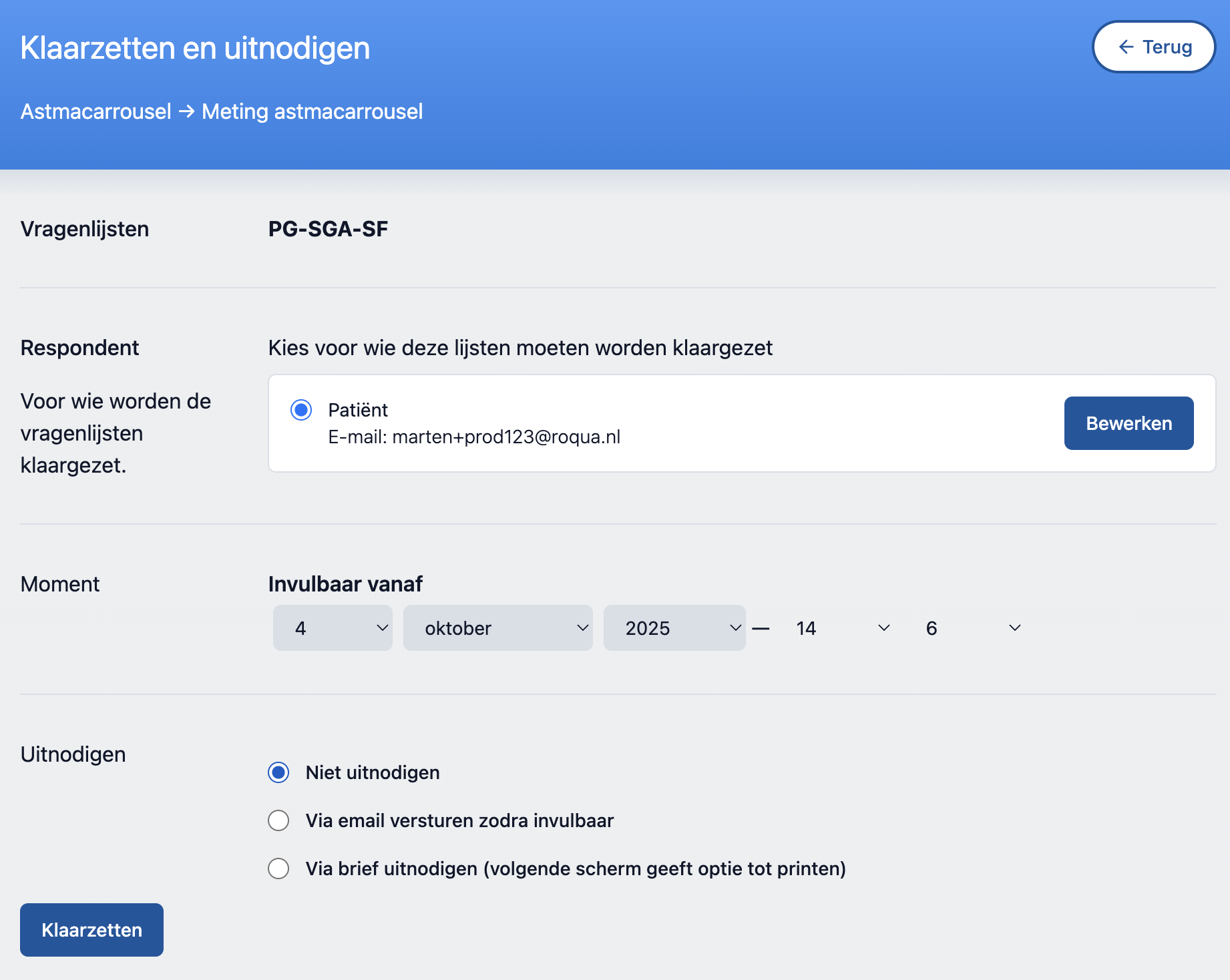
On the second screen you can specify additional options, such as sending an invitation/reminder and preparing for the future.

tip
  • When preparing, you can also indicate from when the questionnaires should be ready. The selected lists can then only be completed from the chosen date.
  • If no email is known in our system for the respondent, you will not see the option to send an invitation.
  • The reminder is only sent if the list has not yet been completed.
  • The invitation that is selected by default is a setting of the protocol and can be adjusted by the RoQua coordinator of your organization.