Client respondent login
Respondents can also log in via a password on the client portal. This brings additional benefits, such as viewing completed questionnaires and reports. However, this option is not checked by default. To enable this, it must be set in the organization settings of your organization.
To go to the client portal, a patient logs in at: https://rom.roqua.nl/client/login
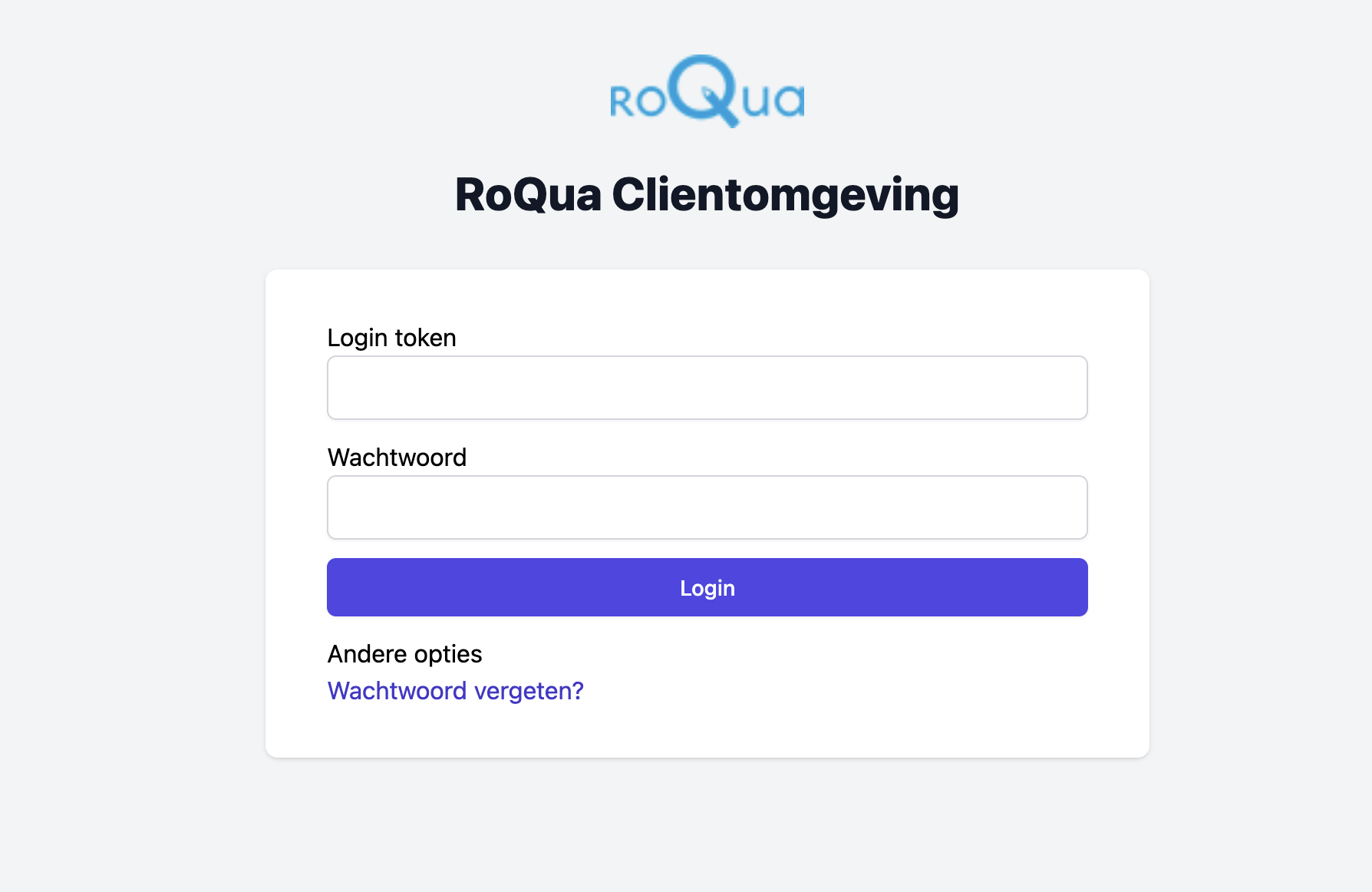
Before a respondent can gain access, they must first be given an account by a therapist. Below is explained how you as a therapist can create an account for a respondent. This is currently still a bit complex due to the security and capabilities of our system, for which we apologize.
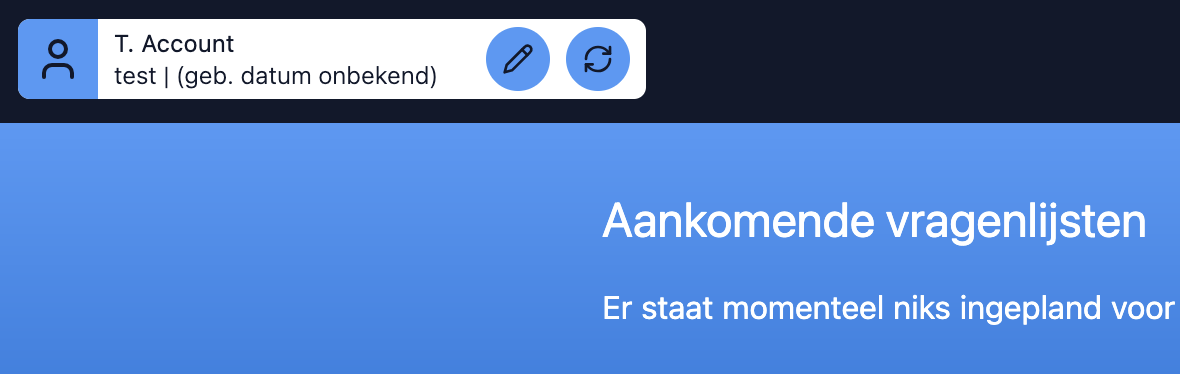
When you are on the EPD, you can click on the pencil icon at the top left to go to the page to update file data.
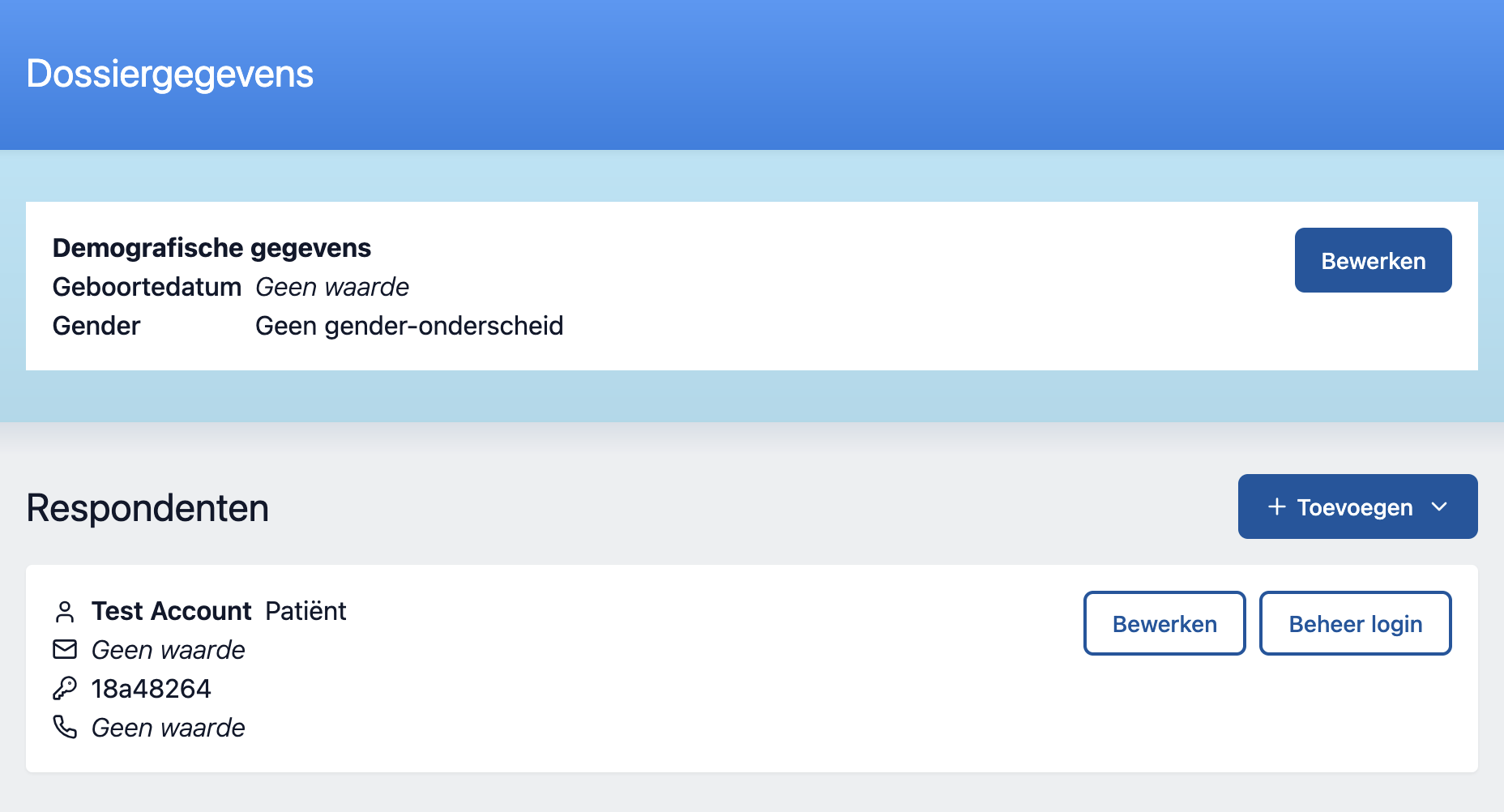
On this page you can choose one of the respondents for whom you want to create an account. Then click manage login.
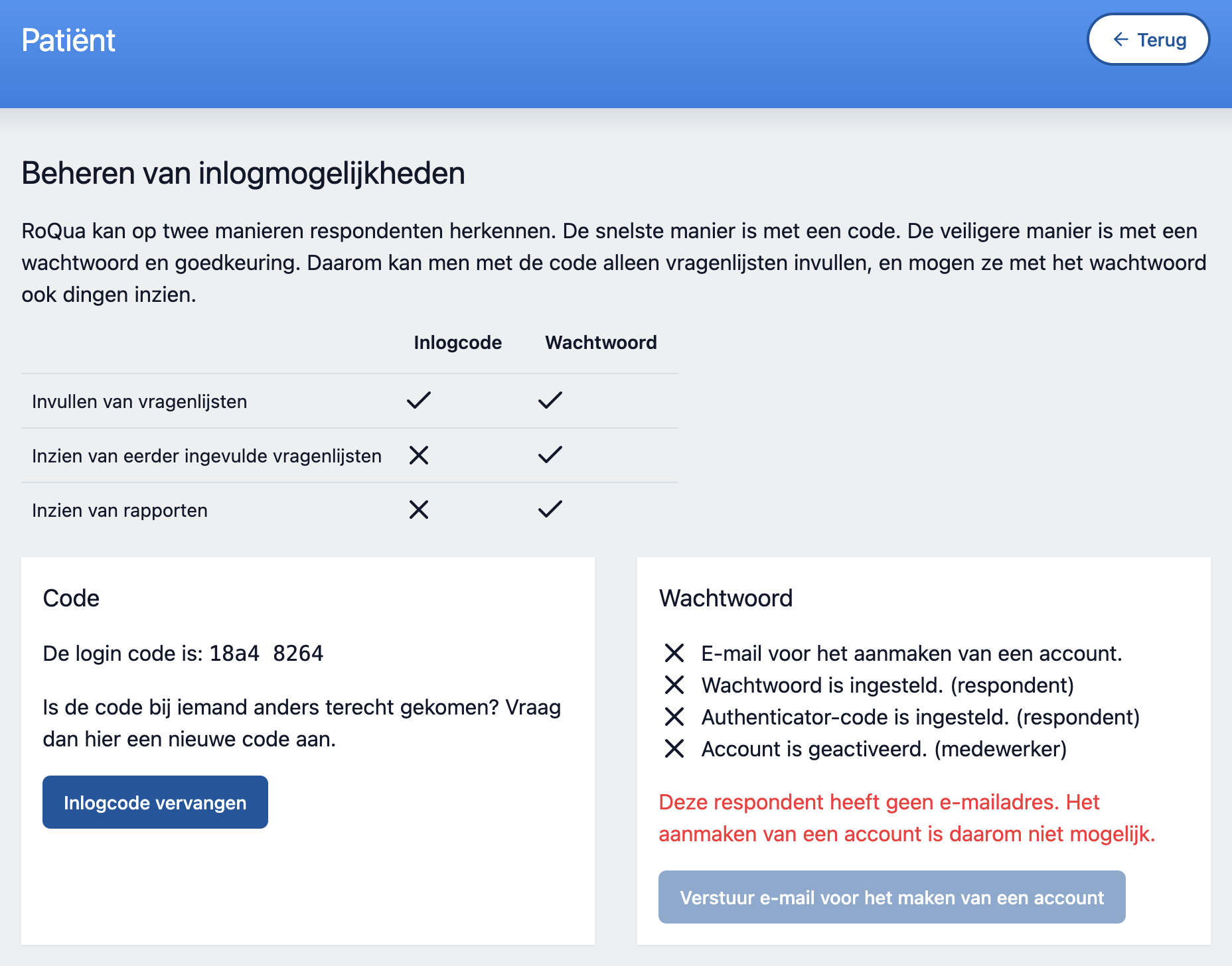
Note: A respondent must have an email address before an account can be linked
When a respondent has an email address linked, the therapist can send an email to the respondent to initiate the process of creating an account.
When you click the 'Send email to create an account' button, an email will be sent to the respondent. In this email the respondent can find a link to create an account.
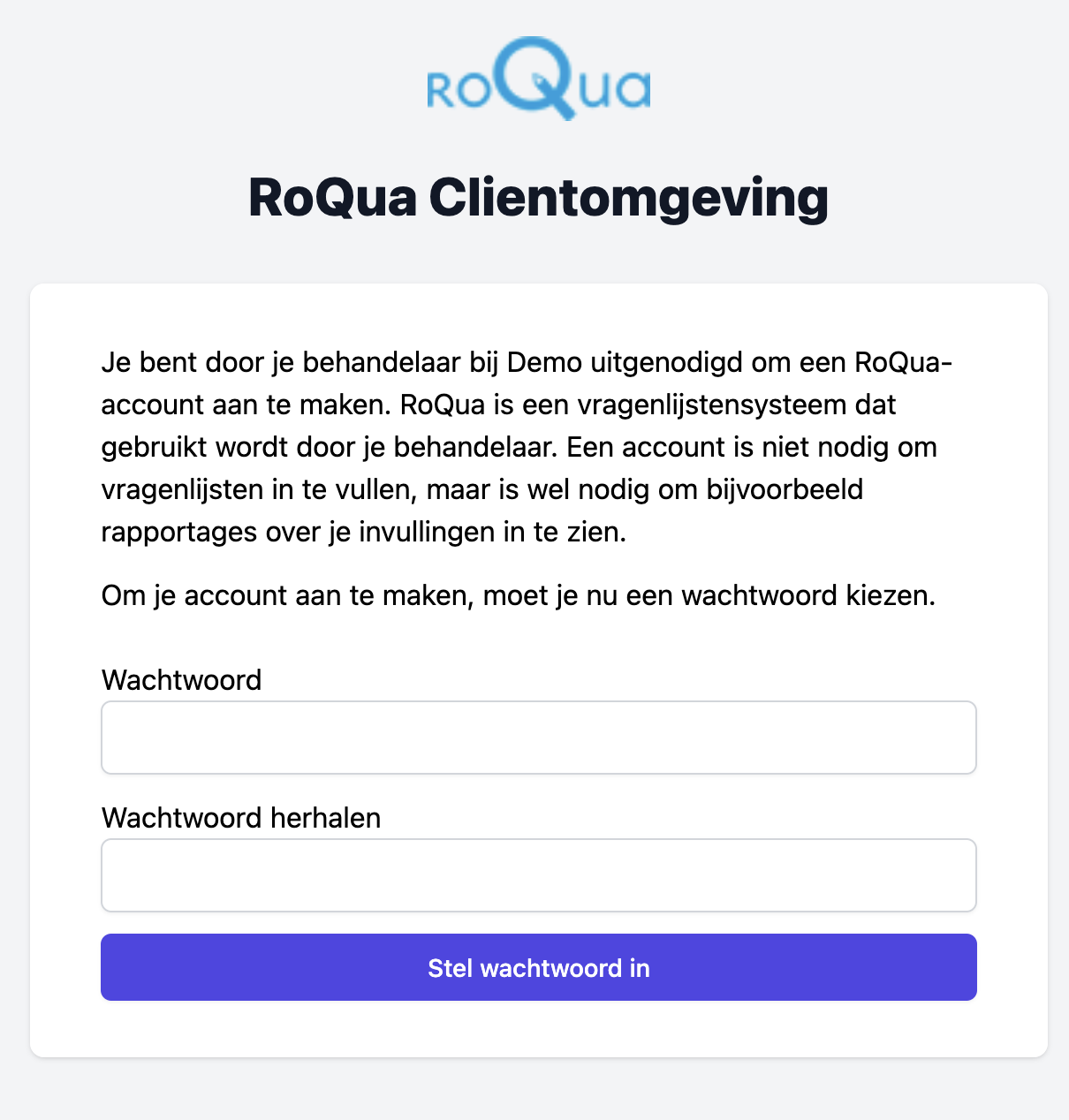
Once created, the respondent will be redirected to the login page. The respondent can log in with the 8-digit login code and the password they have filled in. Once logged in for the first time, the respondent must set up two-factor authentication.
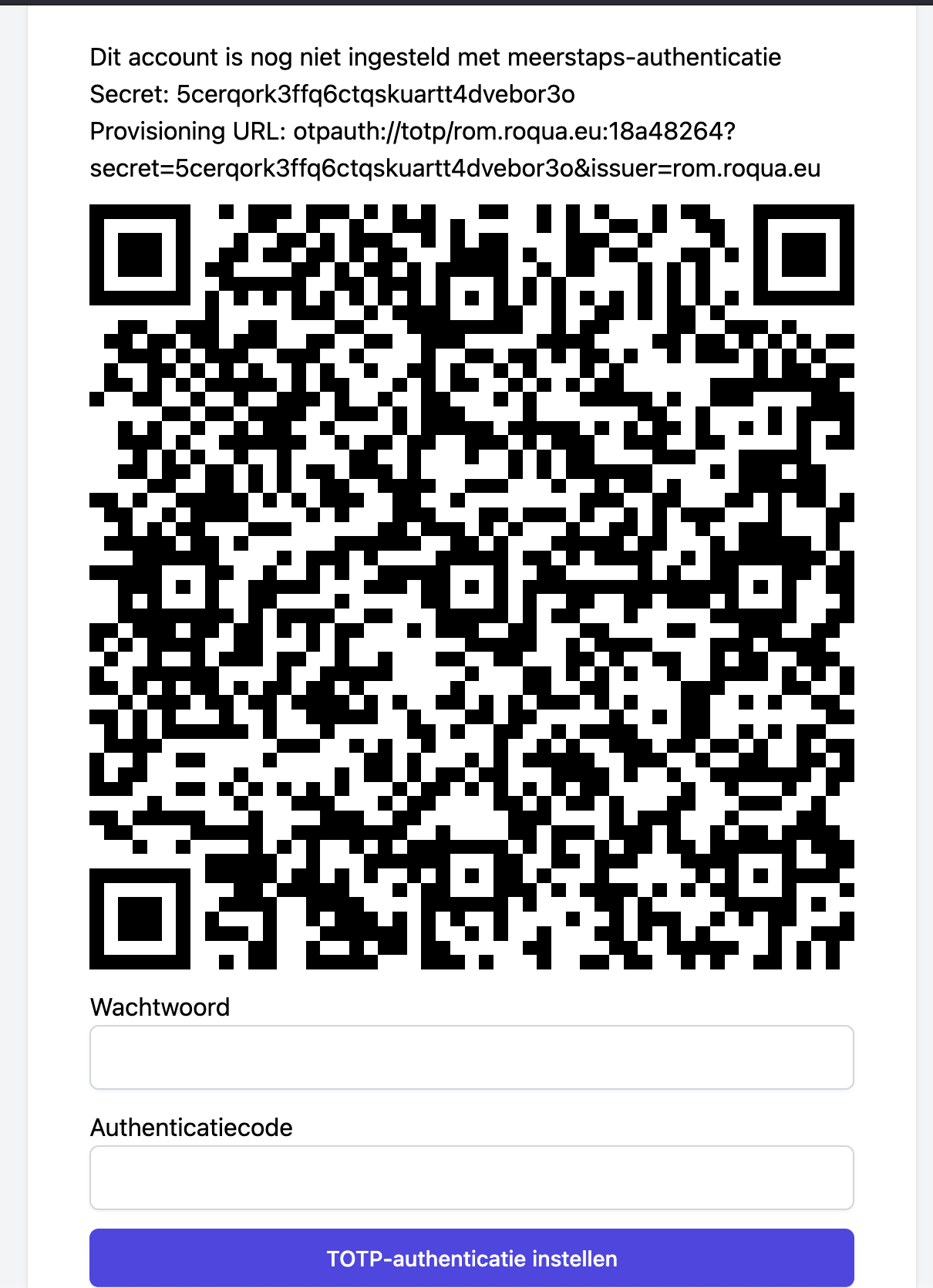
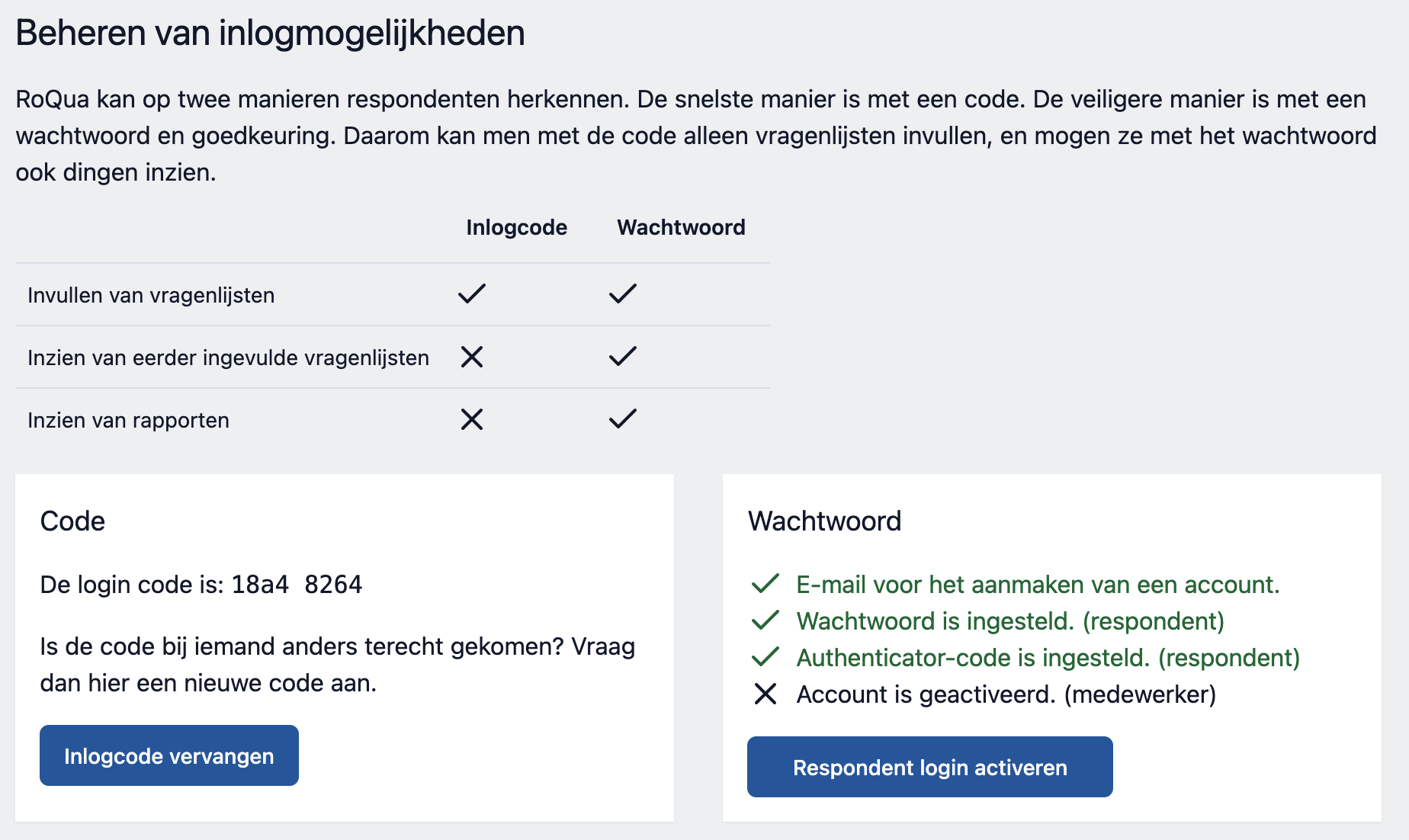
After setting up two-factor authentication, the user is forwarded to the portal, but the respondent does not yet have access. The respondent must still (as additional verification) receive approval from the therapist. This happens again on the same 'manage login' page on the EPD. Click here on 'Activate respondent login'.
A respondent account can also be deactivated in the same way.
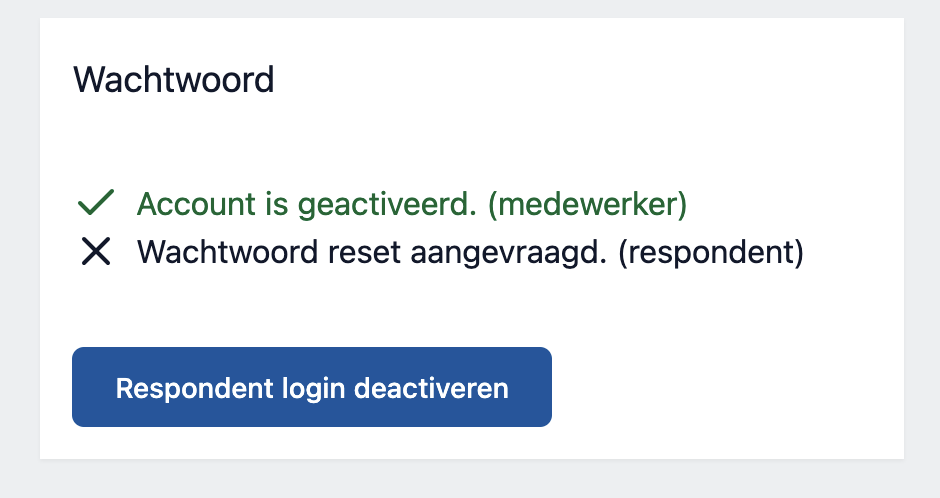
After a respondent login has been activated, the respondent can use the login features.