Client data
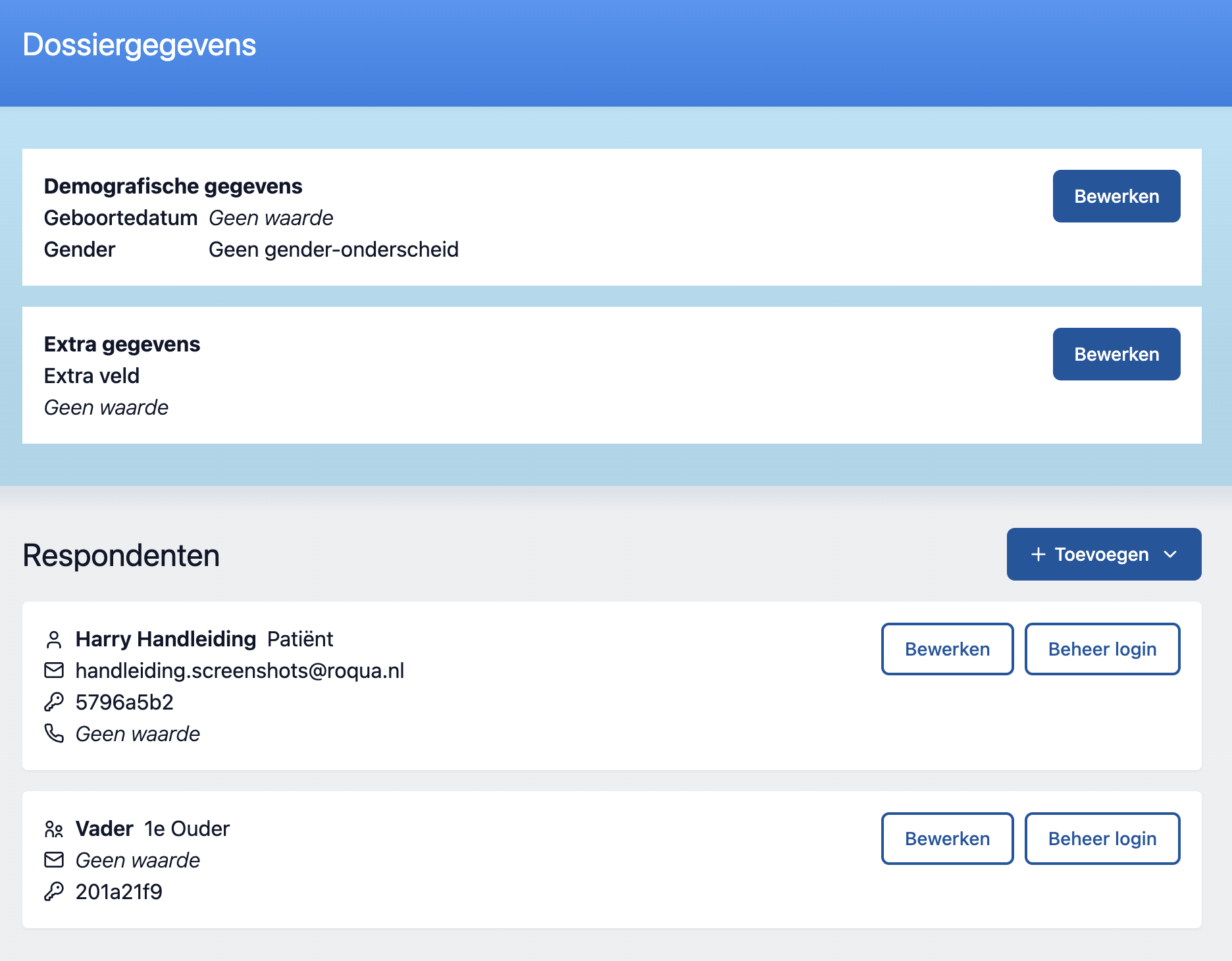
Demographic data
This concerns the basic demographics of the client this file is about. We have separated this from personal data, because it does not always have to correspond with the information that an EPR uses. We use the demographics when calculating scores from questionnaires, and especially when calculating the norm groups within which the client should be counted.
Respondents
A file in RoQua always starts with 1 respondent: the client themselves. In addition, more respondents can be created, of different types.
NB: We are working towards a situation where you can add an unlimited number of respondents of the same type. At the moment this is not yet possible.
Adding respondents
Click "Add..." under the heading "Respondents" to add a respondent.
Now you have the opportunity to fill in a label and email of the respondent.
The label is intended as an aid to remember who the parent, teacher or caregiver is. Do not put a name or other identifying information in this label. This information also flows through to anonymized data files, so a name in this would undermine anonymity.