Manual preparation

Within a measurement there are questionnaires suitable for different types of respondents. In the screenshot above you can see, for example, that there are questionnaires for the therapist or other employee of your organization, and questionnaires for the client's caregiver.
Below that is a table with the questionnaires.
Staff questionnaires

At the very end are the options to continue. For staff members there is only the option to "Fill out". Within RoQua, staff questionnaires are answered and completed directly.
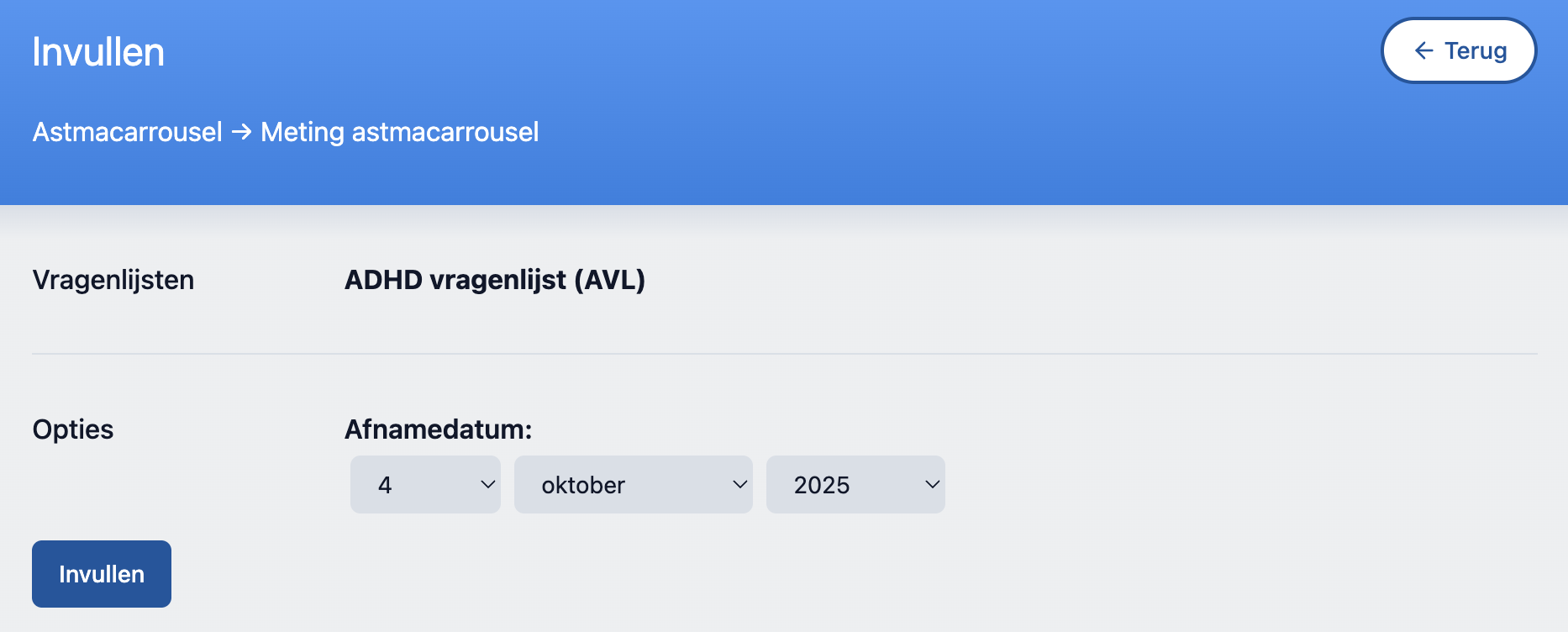
Before you start filling out the questionnaires, you can optionally indicate that the answers you are going to give are not from now, but from an earlier date, and that you are now entering them retroactively.
Client and other respondents

For all other types of respondents, the most common route is that you prepare the questionnaires for administration, and the respondent then receives a link with which they can be completed. For this you choose the "Prepare..." button.
In addition, it is also possible that you have a client in front of you, and together you go through a questionnaire in an interview. This is under the "Fill out directly" button.
It can also be that a questionnaire has been completed on paper, and that this now needs to be entered into RoQua so that the results are calculated and all history is kept together. This is also under the "Fill out directly" button.
Finally, it may be that your organization also wants to track when clients do not want to complete questionnaires. That falls under the "Non-response" button.
Additional information
- In the "recent answer" column it is indicated when that questionnaire was last completed. This can be useful to assess whether it is necessary to have this list completed again, or whether the previous measurement can still be considered applicable.
- Your administrator can set which questionnaires are pre-checked for a measurement. A questionnaire with a recent completion is never pre-checked.