First use
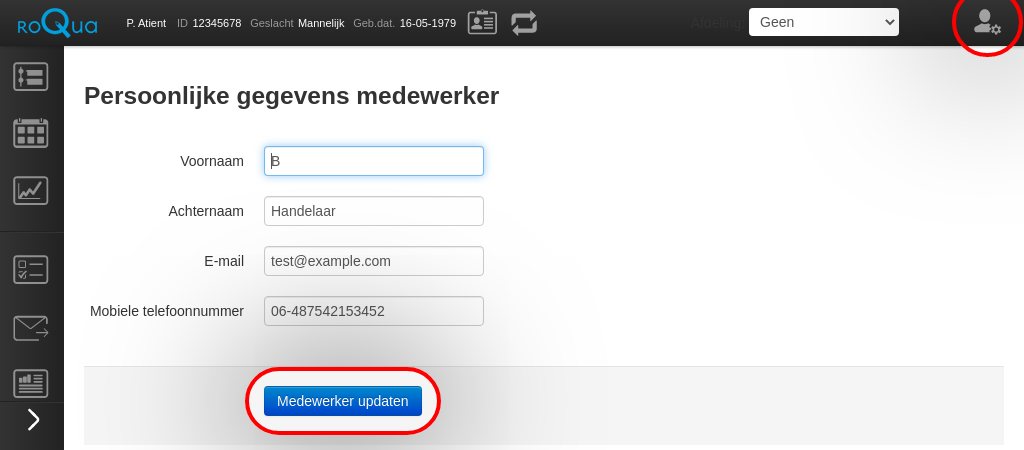
When you first open RoQua from the EPR, you will be asked to enter your personal details. Your name data can be used within the application to generate letters and invitations to the patient.
Enter your details and click on “Update employee”.
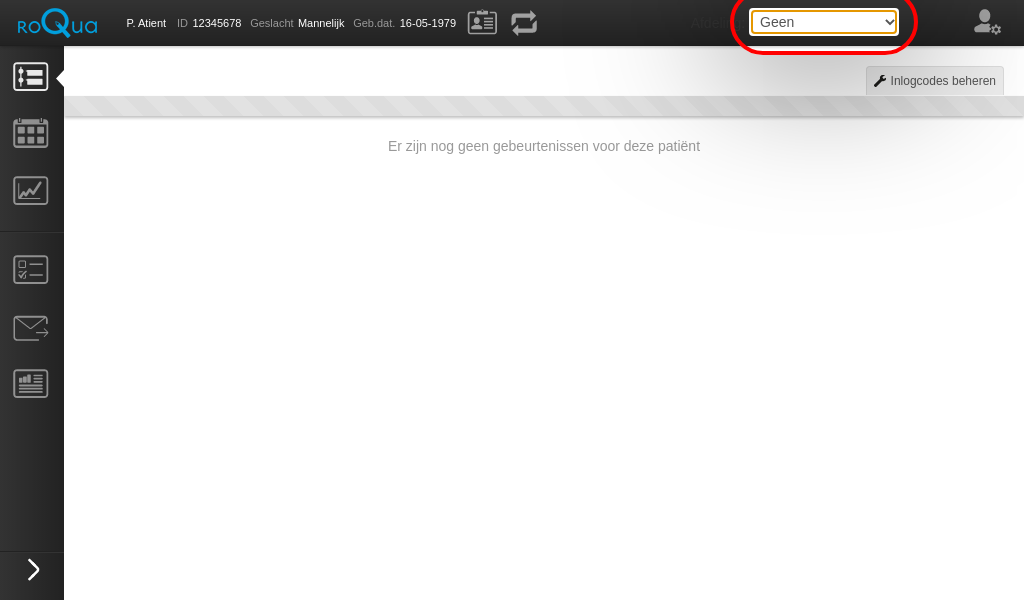
You will then be asked to select the department in which you work. This choice is stored under your personal RoQua account, so you don’t have to repeat this step again and again.