
Client data
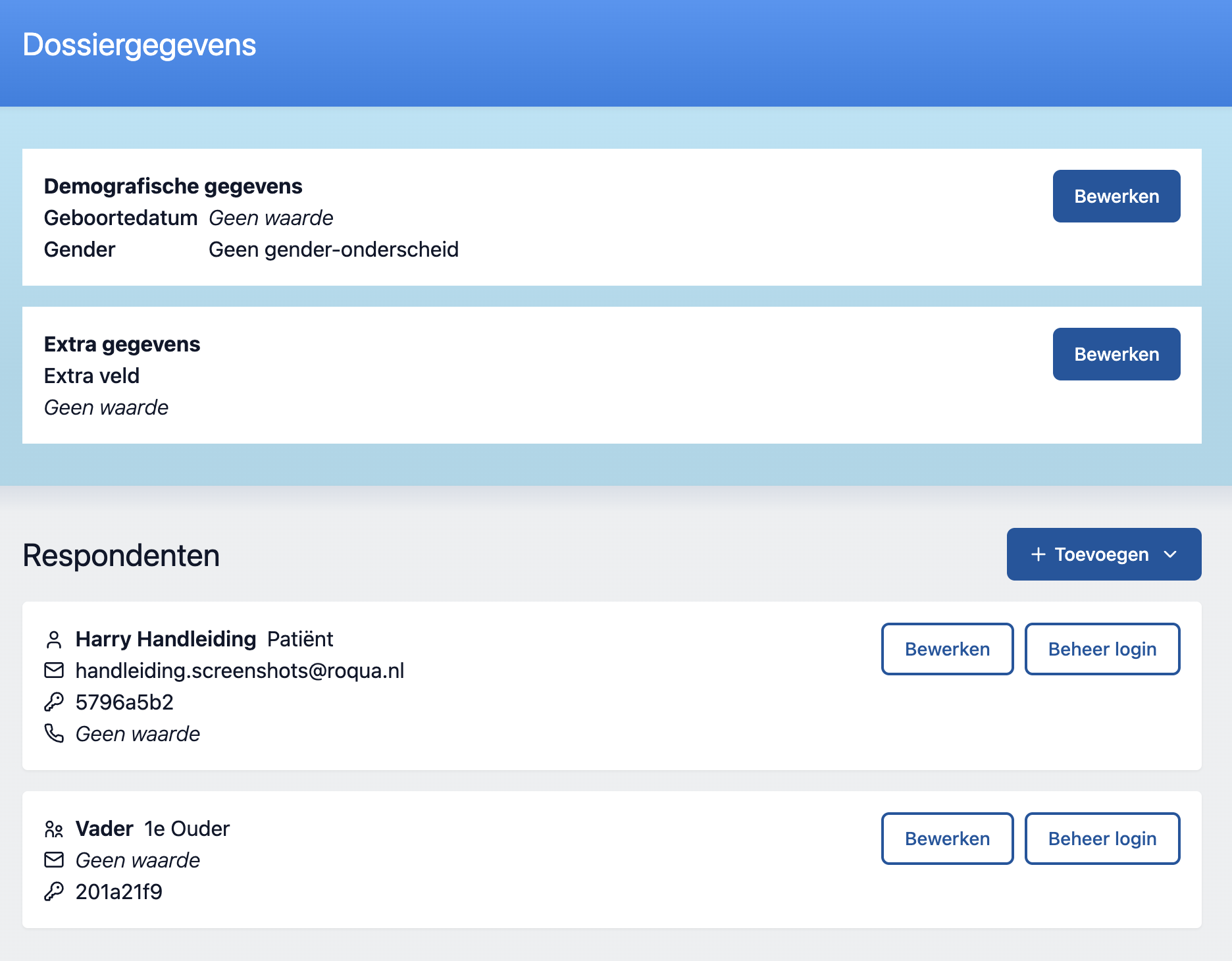
Demographic data
Section titled “Demographic data”This concerns the basic demographics of the client this file is about. We have separated this from personal data, because it does not always have to correspond with the information that an EPR uses. We use the demographics when calculating scores from questionnaires, and especially when calculating the norm groups within which the client should be counted.
Respondents
Section titled “Respondents”A file in RoQua always starts with 1 respondent: the client themselves. In addition, more respondents can be created, of different types.
NB: We are working towards a situation where you can add an unlimited number of respondents of the same type. At the moment this is not yet possible.
Adding respondents
Section titled “Adding respondents”Click “Add…” under the heading “Respondents” to add a respondent.
Now you have the opportunity to fill in a label and email of the respondent.